I Want to Buy a Jailbroken Nvidia Shield TV Pro: What You Really Need to Know
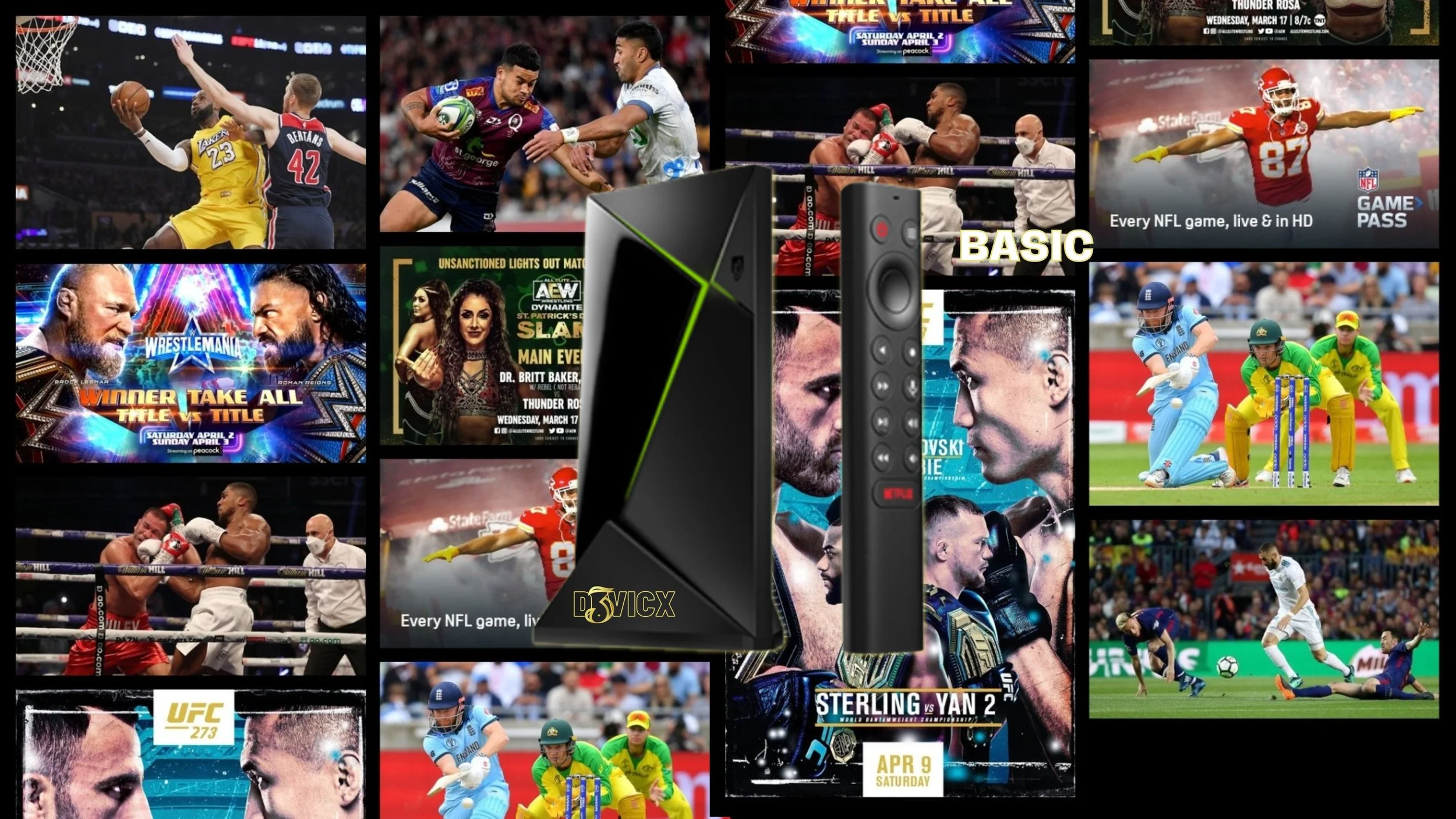
Stream Live TV for free
Hello everyone and welcome to the blog, “I Want To Buy a Jailbroken Nvidia Shield Pro TV: What You Really Need to Know.” Here we are yet again in 2025 and we are still talking about the greatest premium streaming device since the Blackberry phone, the Nvidia Shield TV Pro 2019.
Not only that, how do you know when it’s time to grab a Jailbroken Nvidia Shield Pro, and who to trust with this important investment? It’s hard when every seller customizes and sideloads these devices in their own way.
This is true but we are the experts when it comes to customizing and sideloading the Nvidia Shield TV Pro 2019 so you can enjoy TV entertainment worldwide.
Like now, September of 2025, how do other sellers plan to deal with Google lock down of sideloading APKs? We have a plan and are already putting it into work with the devices today, so tomorrow when those problems come around, you are not affected.
We know it’s a bold claim and so was the Blackberry being the best phone in the world, yet it was then nicknamed the crackberry because people got addicted to how cool they where. This is the same experience people have once they get their hands on a Jailbroken Nvidia Shield Pro customized by us. You think our pictures and graphics are cool on this website, wait until you see what we did to the device.
We stand out because our Elite System was originally designed to help solve major streaming problems people were having with streaming devices and Android 11 Experience 9.0.0 updates. When we finished the system, we noticed, only one device was stable enough to handle the system and that is the only device we offer you today.
Now, this streaming device is not perfect.
No streaming device is but this one can do all the things the other ones can’t and that is to solve your streaming problems for the next 3 to 5 years. If you can imagine it in your mind, it can be done on this Jailbroken Nvidia Shield Pro.
And yes, you are seeing this right, a $1,000 investment that fixes all your streaming problems. You are not aware of it, but streaming is not the issue here, the device and software you chose to stream with is. On top of your Home Internet setup.
Let’s jump right into it. For those who need one right now, go ahead and just order below.
Shop Now > Discord >
Why DIY Jailbreaking a Nvidia Shield Pro Isn't Worth It In 2025

Don’t stress yourself trying to flash and then load a Nvidia Shield Pro
We go into full detail in our blog, “Jailbreak Nvidia Shield 2025 – DIY vs. Professional Jailbreaking,” on you trying to customize and sideload a Nvidia Shield TV Pro 2019 vs. us just loading our Elite System onto that same device. We have a 10 year head start on the subject of customizing and sideloading.
When most people start to load there new device they let the device update right out of the box. Then you go right to YouTube looking for videos about APKs. Which would be great if it was still 2018 before YouTube started going after APKs. Then there is Android 11 Experience 9.2.0 and the problems that come with that update, which you can now downgrade from, but it’s a little tricky and techie.
Due to Android 11, you would no longer have control over the Nvidia Shield TV Pro 2019. Meaning, Google most likely would control the device for you and the apps you load onto the device. Like the Home Screen full of unwanted Ads everywhere. Then on top of that, it’s something about Android 11 that makes the Nvidia Shield TV Pro 2019 move 20% slower. And no, you can’t just fix this in the Developers Option settings.
Android 11 is also a problem for some when they have Kodi or even Plex on the device. It can buffer, lag, glitch, and sometimes not work at all. But a lot of factors goes into why this could be happening on Android 11 where they want you to pay for everything.
Boy, you have a lot of catching up to do. The problem is, no YouTuber or even blog post rather than us, is talking about these issues that can come with a non-jailbroken Nvidia Shield Pro. Or even worst, one loaded by a person who doesn’t know what they are doing. Yea, I see the Reddit post, stay away from that trash site too. The information up there is from people with a day job who don’t know nor have an imagination to even dream big.
Let alone know how to customized and fully load a beast of a streaming device like the Nvidia Shield TV Pro.
And now with Google planning to crack down on sideloading APKs, do you have a plan to deal with that?
Shop Now > Discord >
The Smart Buyer’s Path, Our Jailbroken Nvidia Shield Pro with the Elite System

The Elite System only works on the Nvidia Shield TV Pro 2019
Now, we love problems, streaming problems are the reason we even bought a Nvidia Shield TV Pro 2019 and then created the Elite System. For years we use Firesticks and for years Firesticks would work great out of the box and bomb, one day, the device would be trash.
You can’t get it to work whatsoever.
Well, years laters we started asking the right questions, we found out why. To learn more check out, “Is Your Streaming Box Built to Break? The Real Reason Why Cheap Streaming Devices Buffer”. Clearly, the Firestick is not designed for sideloading, and yet we all keep trying to force sideloaded APKs onto the device and then is shocked when it doesn’t work or even stop working altogether.
Yea, I’ve give you a minute to let that one sink in.
To keep it simple, when you first get your hands on a Nvidia Shield TV Pro 2019, you need to flash the system right out of the box. This is letting you put the device on a stable OS, which is Android 9 v8.2.1. And yes the version matters if you don’t want Home Screen Ads. With this setup, you now have full control over the device and not the other way around.
No Buffering or Lagging on this Jailbroken Nvidia Shield Pro
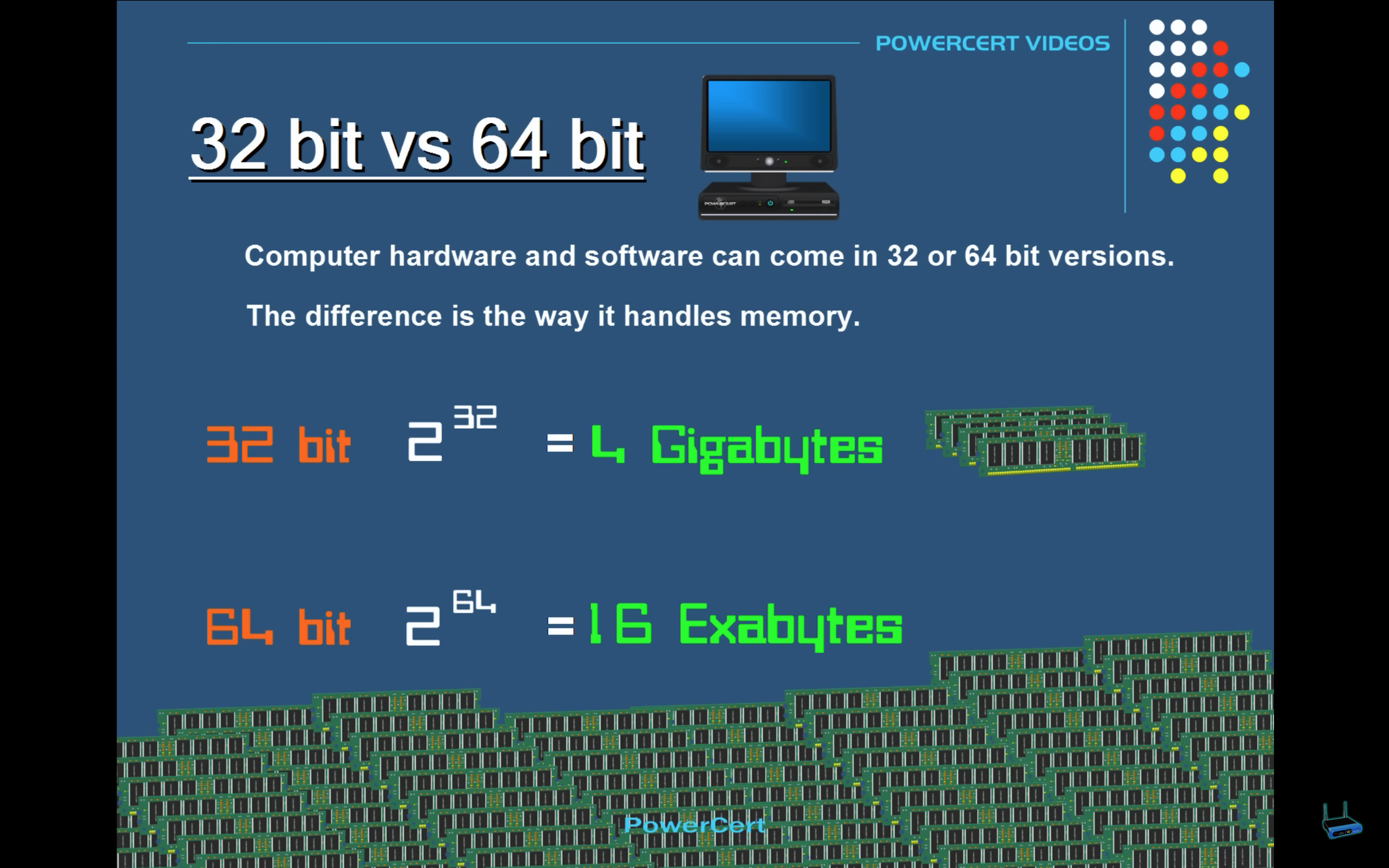
32-bit can only handle 4 gigabytes of memory at a time.
The number one problem all sideloaded streaming devices seem to have is buffering and lagging. For the cheaper streaming devices like Firesticks, I totally understand, they are not built to be used for sideloading.
Yet, people do it anyways and then are shocked when the device starts to breakdown on them, or even buffer and lag to the point you can no longer use it.
Don’t be shocked, the issue is the device, and then your home internet setup.
To deal with buffering, and lagging on a premium streaming device like the Nvidia Shield TV Pro 2019, you need to plug in the ethernet cable. Do not use the WiFi when using sideloaded APKs, it’s not going to work as well. You need power because these are not normal apps, they’re APKs and they are a lot heavier then an app from the Google Play Store.
Plus, this device is old, and WiFi 5 is the best it can do. When using WiFi remember WiFi 2.4GHz is best at travelling far and through walls unlike WiFi 5 which starts to breakup when going through object.
I feel a lot of the WiFi routers don’t educate you all on the facts about WiFi and how it works so I decided to add it in here. This is all crazy but true. So don’t go out trying to chase the latest WiFi 7 out there, it’s not going to work on the Nvidia Shield TV pro 2019 and it may not even leave the room due to the short range. It may not even get to the other side of the room depending on what is in the room blocking the signal.
Want to learn more about the issues with WiFi vs. Ethernet cable, check out this blog “The Best Router for Streaming and Gaming in 2024 to 2025” that deep dives into it all.
Google plans to lock down sideloading on Android, is there away around it?
Google looking to lock down sideloading
The way around Google plans is to go old school with a streaming device you fully control, not a device that controls you.
That only leaves the Nvidia Shield TV Pro 2019, 2017, and 2015. You can downgrade (rollback) the OS on these devices to Android 9 and some even Android 8. Compared to Android 11 and up, where you wil start to see APKs disappearing without your say so.
Today, some APKs are already blocked when on Android 11 and up because Google doesn’t want them to access deep into the devices system. The problem is, Google is trying to control an open source device. Bro, it’s already open, let it be.
So how are we solving this problem, yea, I don’t mind telling you. We are keeping the device at Android 9 v8.2.1, and using ADB to control Google. We disable Google Play Services, the Play Store, and Play Protection on each device. We have this cool little APK we have added on if you need to sign into your Google account for any special apps.
We have completely replaced the Google Play Store with three of the best Android App Stores. And yes, a few will include having access to even more APKs.
But if you want access to D3vicx APK Shop, once you order the device, just join the WAR ROOM. That link will be in the emails. WAR ROOM is for owners of our devices. Anything outside of our device will make no sense.
Elite Drive Gaming Bundle: the Jailbroken Nvidia Shield Pro with Hyperspin in 2025
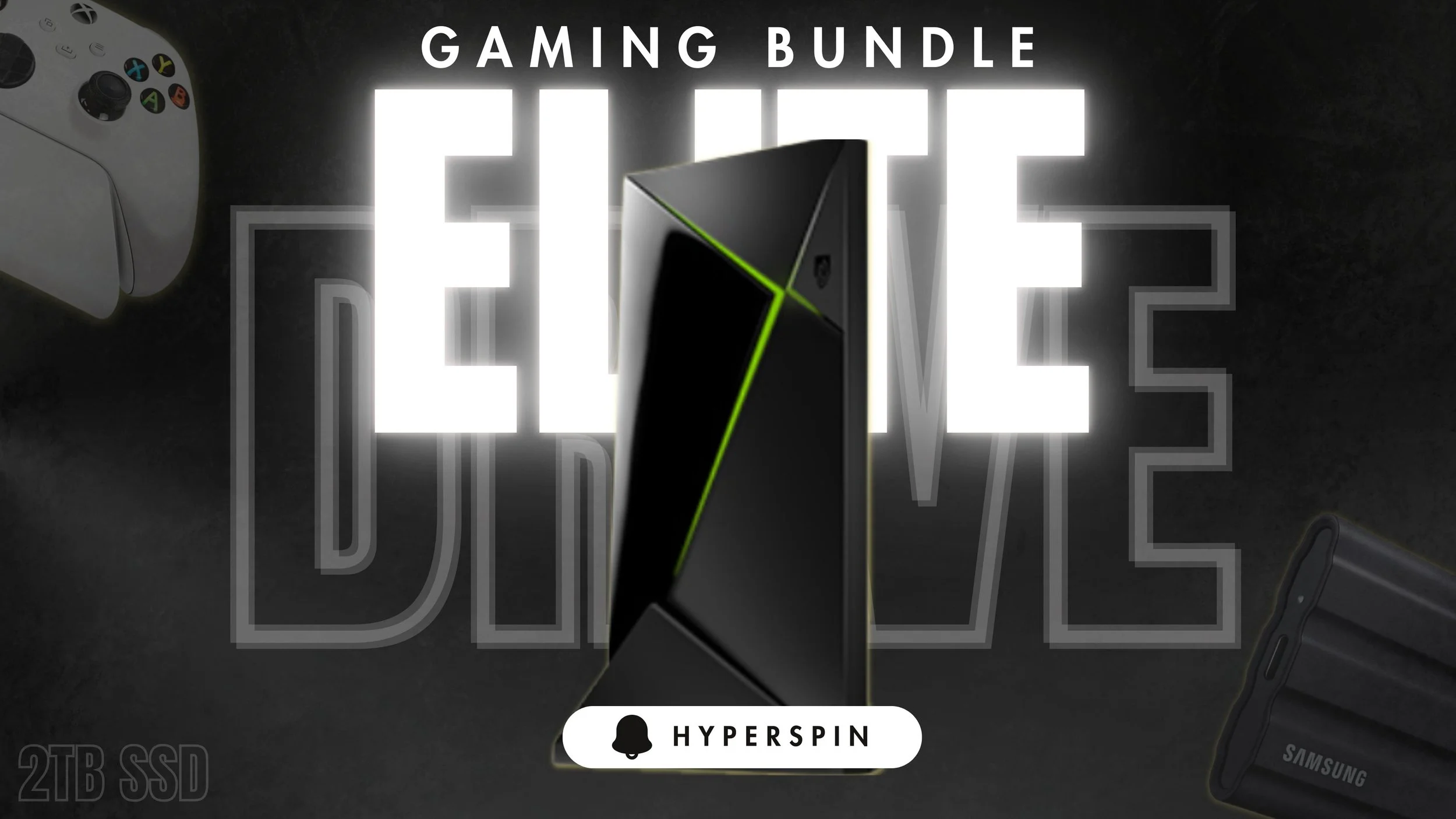
Jailbroken Nvidia Shield Pro + Hyperspin + Xbox wireless controller
Everyone has been asking for this and here we are. Our famous Jailbroken Nvidia Shield Pro teaming up with Hyperspin. Yes, this is the real Hyperspin setup along with a fully loaded Nvidia Shield Pro, so now you really have everything on one device.
The Hyperspin has 1TB of ROMs and emulators on the 2TB SSD drive. With the best gaming controller that works with the Nvidia Shield Pro and that’s the Xbox wireless controller. You can add on more controllers as you get ready to play.
Everything is already setup, you first must remember to open up all the emulators before you jump over and just start playing on the Hyperspin APK. And if you are wondering, all Hyperspin is using the AIO version of the APK because the original no longer works. With that said, Hyperspin runs on 720p and RetroArch is 32-bit, why? These were the only APKs left on the internet that worked.
So find out below what else comes on a Jailbroken Nvidia Shield Pro.
Shop Now > Discord >
What comes preloaded with your Jailbroken Nvidia Shield Pro
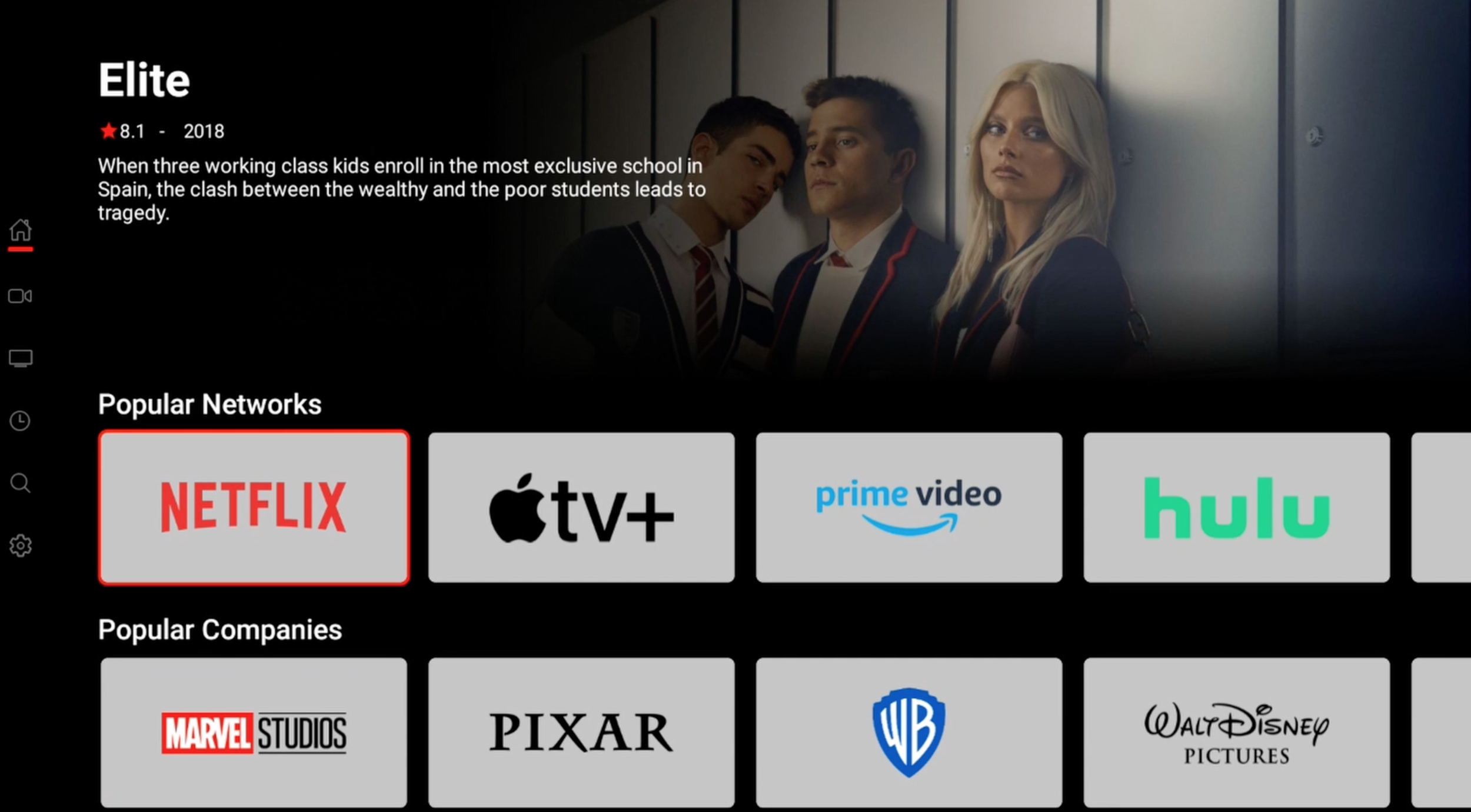
All paid subscriptions apps are free, just click and play, no looking for links
Our Jailbroken Nvidia Shield Pro is famous for our Elite System. The Elite System is a customer launcher that host 55 APKs running together as 1 to give you access to worldwide entertainment for free.
Do understand, that you never have to update the Nvidia Shield Pro system from Android 9 version 8.2.1. If you do, this could cause APKs to disappear. And to get them back, the device would need to be flash yet again.
As for the APKs, they will let you know with a popup, that they need to be updated. Just follow along with what the APK is saying to do and you should be all good. If an APK is giving you problems, it’s best to join our Discord community for the exclusive tech support group for help.
Do remember you have 24/7 access to videos guides that show you how to use the device from start to finish. Last video is how to troubleshoot an issue. There is no guessing here, everything is given to you, you just have to use it. And no, you don’t need to worry about Google trying to lock down the device, we have already dealt with that by disabling Google’s Play Protection using ADB debugging.
Let’s jump right into what you get in the Elite System.
Shop Now > Discord >
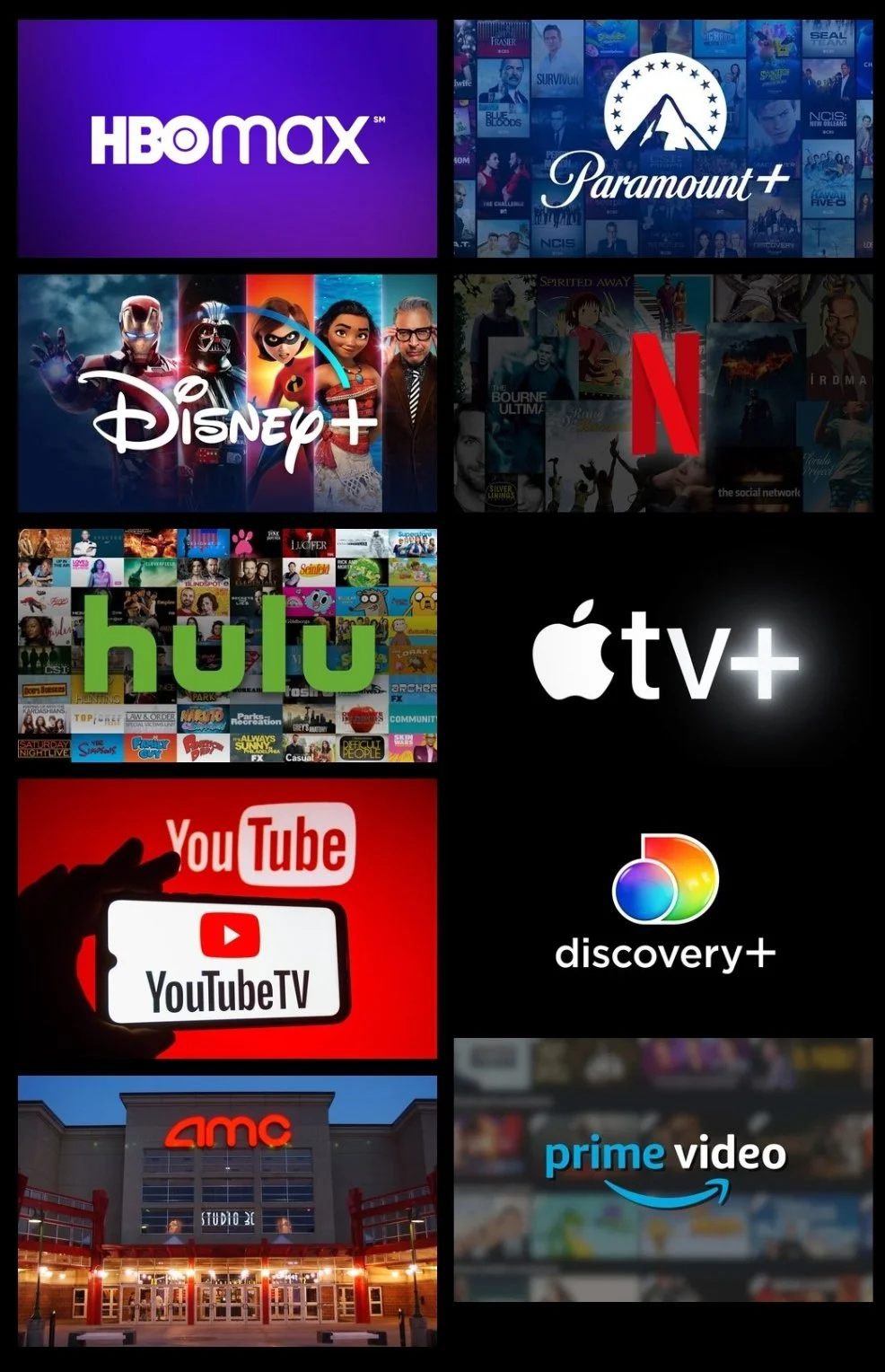
MOVIES & TV SERIES:
Everything from popular Movies, new in Theaters to popular TV Series dropping on many platforms today. No more monthly fees for application subscriptions. Anything you can think of from 720p, 1080p, HD to 4K, HDR, Dolby Vision, 3D, and subtitles. Movies & TV series can be streamed on your device for free.
Download and watch at a later time or transferred to USB for your collection.
🛒Shop Now > 🧑💻Discord >

International Live Sports & Live Pay Per Views (PPVs)
It’s easier than ever to catch your Live Sports and your favorite teams. From NBA, Premier League Football, Rugby, MLB, NFL, Cricket, and a whole lot more! Now multi-screen, watch 4 games at once!
We all love MMA, Wrestling, and Boxing catch everything live and rewatch it the next day. All WWE, AEW, UFC, Boxing events from around the world, Independent Wrestling Promotions, and more. Just switch it on and enjoy. Never miss another Live Event.
🛒Shop Now > 🧑💻Discord >
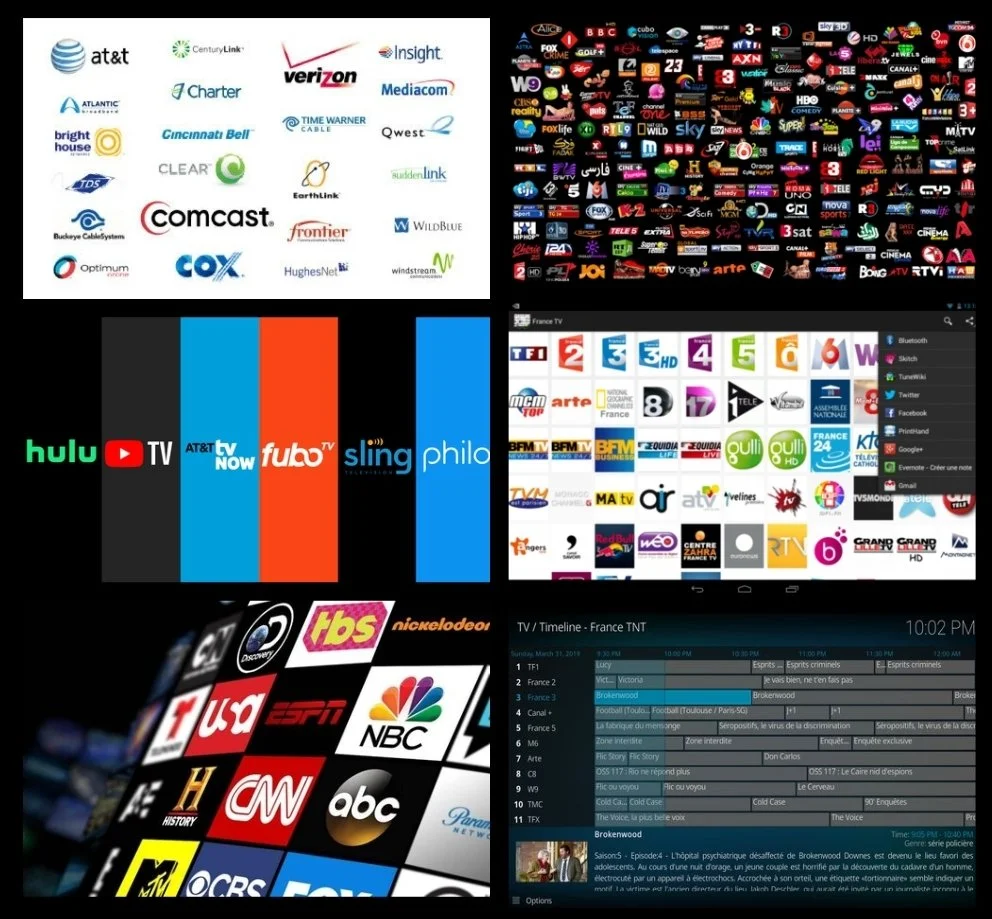
Watch 80,000 Live International Channels Free
Live Tv: International Channels & Local Channels
80,000 Live TV Channels, Local Channels, Premium Cable Channels, & News Channels. Live TV in so many languages from English (US, UK, Can, Aus, NZ), Spanish (Spain, Mexican, PR & South Amer.), India (Hindi, South ID), Pakistani, Arabic, Iranian, Farsi, Sri Lankan, Nepal, Portugal, German, Indonesian, Italy, Thailand, Punjabi, Afghan, Filipino, French (French Canada & African Countries), Africa, Bangla, Turkish, Dutch, Russian, Japan, South Korea, China, and More.
You can save to your favorites and catch all the local news happening from around the world.
*Cancel all cable subscriptions and get the best internet your provider has to offer. Start streaming Live International Channels for Free. (This is NOT an IPTV Service.)
🛒Shop Now > 🧑💻Discord >

AMINE: MOVIES & TV SERIES
This covers all the Anime apps out there, popular apps like Crunchyroll, Funimation, & HiDive. You will also have access to Anime that’s on all the applications out there even Netflix, Prime, & more.
You will have access to many subtitle languages or English dubs depending on the anime. Fully loaded with popular Anime content from around the world.
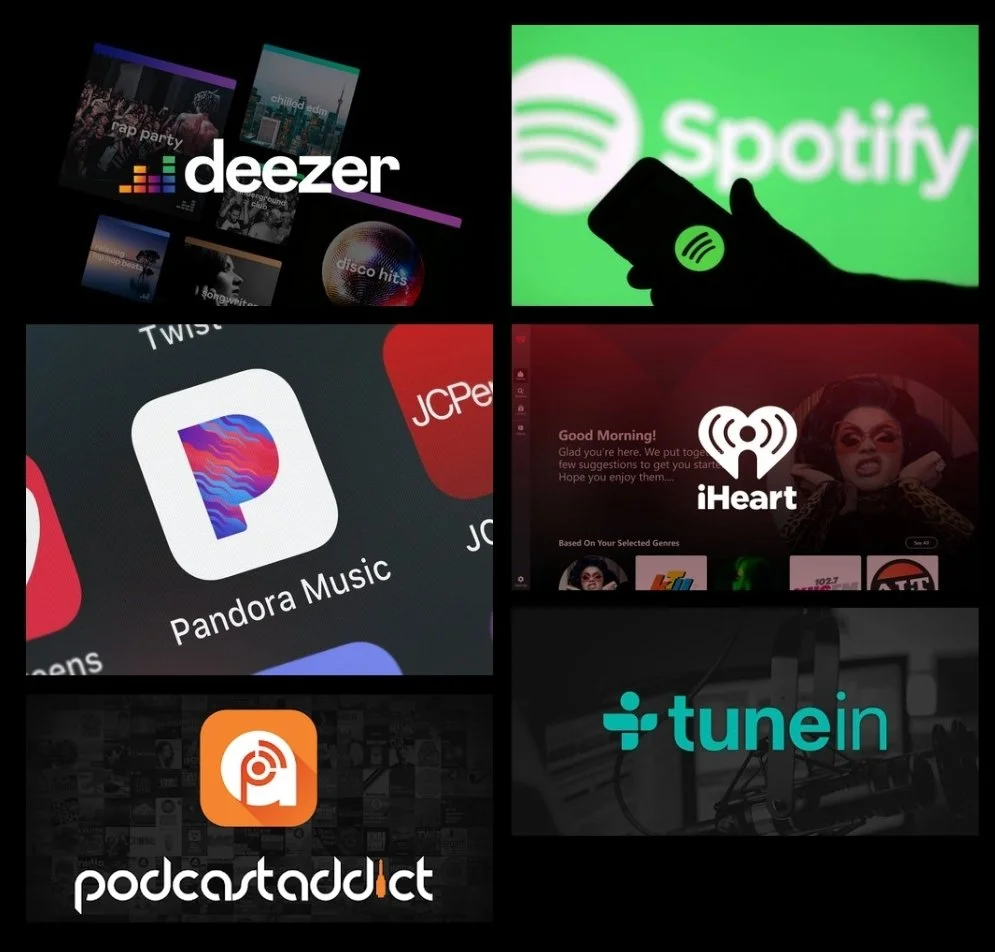
MUSIC, PODCAST, & Audiobooks
Best Music, Podcast, & Audiobook applications! You will have access to the Premium Service of these apps for FREE. Music can be downloaded to the Nvidia Shield Pro, coming soon.
🛒Shop Now > 🧑💻Discord >
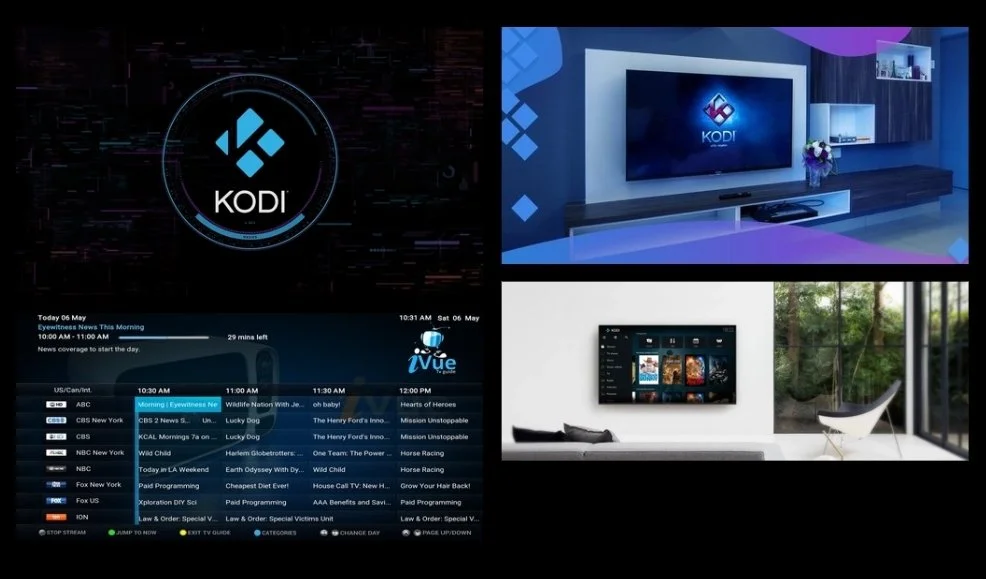
KODI: THE ONE & ONLY BEST BUILD
This covers one of the Best Builds seen on Kodi since “The Beast”. It’s great for Live Sports, Pay-Per-Views, and Rewatches.
Note: You can sign into your Real Debrid (not needed) and Trakt accounts. There are still Free Streaming Options available on this Kodi build.
🛒Shop Now > 🧑💻Discord >
French for Private Content
ADULT CONTENT: WAYS TO WATCH
If you do NOT want this content on the device please EMAIL US, “No, Adult”. We will make sure not to put the folder “Contenu Prive” on the device for you.
1. Jailbroken Nvidia Shield Pro: Adult Folder (Contenu Prive)
🛒Shop Now > 🧑💻Discord >
Setup Mistakes to Avoid at Home

Own vs. Rent Modem/Router
This is going to play a key role in how well you pay attention. Because we need a whole lot of your attention. Once you get your Jailbroken Nvidia Shield Pro at your home, plug in that ethernet cable.
I repeat, plug in that ethernet cable. Do NOT try and use this powerful streaming device with WiFi, it’s not going to work and I don’t care how many Mbps you are getting. Even if you have 1GB of internet, it’s not going to matter.
WiFi 2.4GHz is the most stable and yet people overlook it. It’s the only WiFi that travels far and through walls. The issue is, it can be a little slow if you are in patient. Remember this is the Nvidia Shield TV Pro 2019, WiFi 6 didn’t came out yet, this device uses WiFi 2.4GHz and WiFi 5.
You most likely have all your other devices running on WiFi 5, so that channel is crowded. WiFi 5, doesn’t travel far and it’s bad at going through walls, it breaks up. WiFi 6, WiFi 6E, and WiFi 7 is even worst, it won’t leave the room.
And please, I can’t stress this enough, own your own router and (modem, if you need one). Check out this blog, “Owning vs. Renting Modem” for full breakdown. But in short, the equipment you are given is $10 to $15 a month to rent and that equipment is trash. That cheap equipment they have you renting is why your home internet is not stable. When you try to stream on WiFi 5 with a Jailbroken Nvidia Shield Pro, it’s going to feel slow. Verses you plugging in the ethernet cable, which gives the device all the power it needs and more.
You want stable, you need to own your equipment. The best router, and we use this router, is the Flint 2. This is not a sponsorship, this is just what we use and we love it. You can also pair a travel router to your home router and use it anywhere in the world but we will keep that for another day. The Flint 2 router is the best router that works with VPNs, making sure it gets up to 900 Mbps.
Shop Now > Discord >
Control & Flexibility of the Nvidia Shield TV Pro 2019:
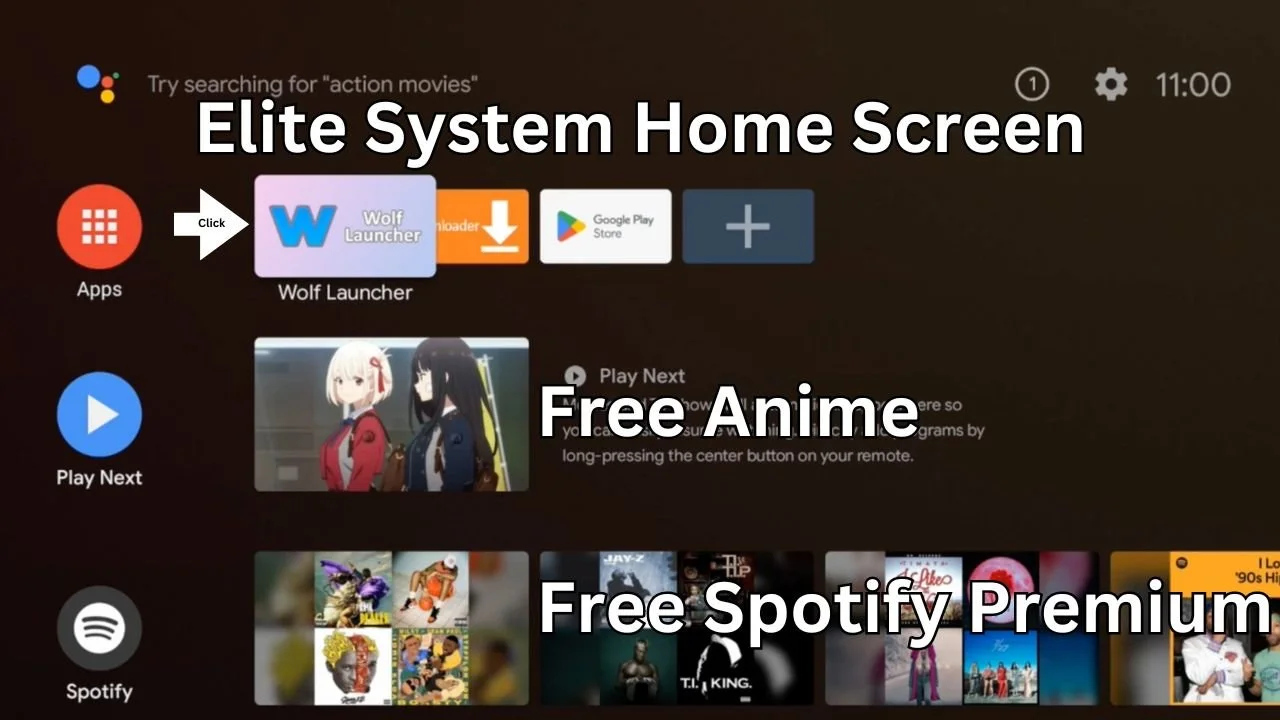
Nvidia Shield Pro on Android 9 v8.2.1 no home screen ads
Why is our Jailbroken Nvidia Shield Pro running on Android 9 and not Android 11 and up? Control, this is all about who controls the device, you or them. For years, Nvidia never cared what we did with those devices and as their stock went up, they made deals.
Now, I believe they still don’t really care that much because you can downgrade (rollback) the device and you can get the software right off of there website. This shows they could be on the fence and they are letting us the customer decide.
Do we want to control these devices or do we want Google to?
The “why” behind staying on Android 9
Have you noticed, we are talking about Android 9 and Android 11 only. Android 11 was created to take control of these devices right out of your hands without you even noticing. The problem was, we noticed.
On Android 11, the best adblocker was completely blocked from being sideloaded onto the device.
On top of that people have problems with Kodi and Plex not working. Then we saw the device ran 20% slower, and that just drove me up a wall. Why slow it down. What was they pushing onto the device?
Once we noticed all these terrible changes that came with Android 11, we decided to downgrade back to Android 9 v8.2.1 and stay there. We haven’t had an issue with the device since. Where everyone else is reporting issues, everywhere online, and dealing with ads all over the home screen, we completely control the device.
Now, Play Protection was an issue when sideloading some APKs until we noticed we could just disable it using ADB. Will this ABD work with other streaming devices? I have no clue, we only work on the Nvidia Shield TV Pro 2019.
But you will not have to worry about Google trying to lock down your device.
Shop Now > Discord >
What to Expect Post-Purchase of the Jailbroken Nvidia Shield Pro
Emails, a ton of emails. You’ll know exactly what’s happening with your order because we keep you updated every step of the way. These devices are made-to-order, and you cannot return them. You’ll also get an email with a link to the video manual page and a downloadable eManual.
Please remember, we do not ship on weekends unless you upgrade to overnight shipping (starts at $55 depending on where you live in the US).
We highly recommend starting the videos or reading the manual before your device arrives. That way, you’ll know exactly what you’re getting into. Take your time — there’s no rush. Once it clicks, you’ll feel right at home.
The best part? You never need to worry about updating the Nvidia Shield TV Pro 2019 itself. The APKs will notify you when it’s time for an update, so you can focus on what matters — movies, TV shows, sports, replays, and more.
When your device arrives, plug in the USB flash drive first (the port closest to the HDMI). Then plug in your HDMI, and your ethernet cable. Last, connect the power.
👉 If you plan to run this on WiFi, please don’t order this device. Ethernet isn’t optional anymore. WiFi 6, 6E, and WiFi 7 don’t work with this device, running this device on standard WiFi will give you the worst experience (unless its on WiFi 2.4 GHz).
When It’s Time to Sign Up for Debrid
If you’re planning to explore the full UFC library, this is where Debrid comes in. For free, you’ll get access starting from UFC 1, but then it jumps all the way into the 200s.
Everything in between requires a Debrid account. If you’re serious about having the full fight history on demand, that’s when it’s worth signing up.
Shop Now > Discord >
In Conclusion

Just click and play Jailbroken Nvidia Shield Pro
If you really desire to invest in a Jailbroken Nvidia Shield Pro just order one. Don't waste time asking just anyone's opinion on a subject they most likely don't specialize in. Would you ask your neighbor what they thought about heart surgery if they never had it or never performed it as a Heart Doctor themselves?
So why do you waste your precious TIME just asking anybody online or even on Reddit about important matters? Do your own home work and search for this information yourself. Ask the questions you want directly from the company selling the device you want to invest in.
There is a saying, "If you're going to let what you do be based upon what you hear and read, you better make certain the people who are giving you the advice are getting PHENOMENAL RESULTS!" Bob Protector.
Clearly we are getting those phenomenal results, we only specialize in one device because it's the only one that works. Find out if other sellers have instructions, video guides, a troubleshooting video, or a tech support group you can get in touch with.
I say this because when you ask just anyone, they are going to tell you to do it yourself and the point of you picking one up is because you don't want to waste your TIME loading something you know nothing about. You just want something that plugs in and just works. Saving yourself $300 plus a month in cable bills and subscriptions.
👉 Here is a free pro tip: Go into your internet providers location and get their latest deal on the internet. Get your own router (Flint 2), this knocks the bill down other $10 to $15 a month. Do this each year for the newest deal to keep that internet bill low.
TL;DR: Why Buy a Jailbroken Nvidia Shield TV Pro?
Don’t waste time asking random people online — trust specialists.
We only focus on one device because it’s the one that actually works.
You get plug-and-play streaming that saves you serious money every month.
Bonus: own your router + go into the store and get their latest internet deal yearly to cut bills even more.
👉 Bottom line: If you want control, support, and a device that just works, order the Shield Pro from people who live and breathe it.
Shop Now > Discord >
Related Post: The Best Router for Streaming and Gaming in 2024 to 2025